
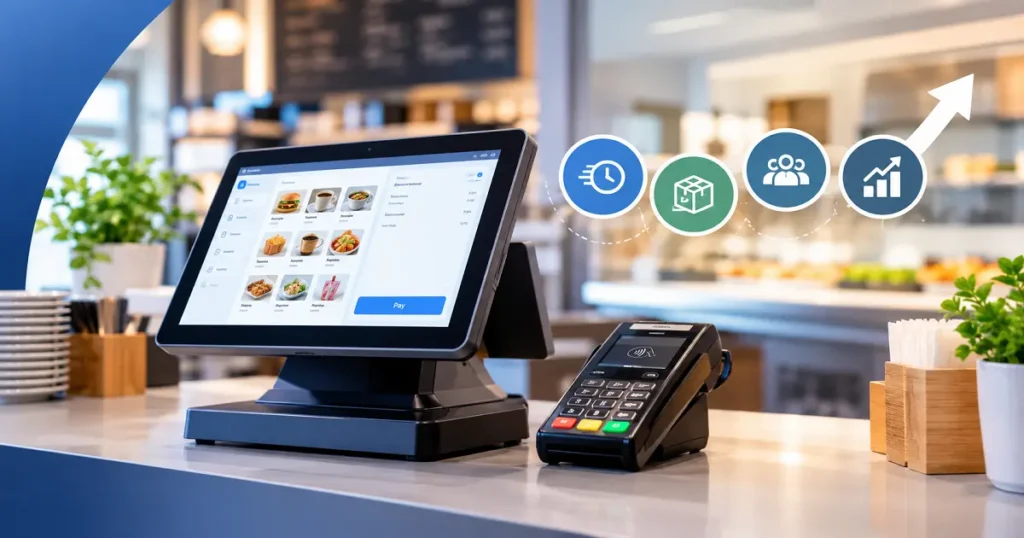
An EPOS (Electronic Point of Sale) system helps UK businesses process payments faster, manage stock in real time, track staff activity, and generate clear sales reports. Businesses using EPOS systems reduce manual errors, speed up service, and gain better control over day-to-day operations compared to those relying on traditional tills.
Running a business is a lot to manage. Payments, stock levels, staff hours, sales data, it all adds up quickly. If you are still using a basic till or handling things manually, you are likely spending more time on admin than you need to. That is where an EPOS system comes in.
EPOS stands for Electronic Point of Sale. These systems do much more than process payments. They connect your sales, stock, and reporting into one place, so you always know what is happening in your business. Whether you run a restaurant, a retail shop, or a busy hospitality venue, an EPOS system can genuinely change the way you work, for the better.
This guide covers what EPOS systems are used for, how they work, how to operate one, and how they support specific industries like restaurants and hospitality businesses. You will also find some honest stats on how UK businesses are using, and not yet using, EPOS technology.
What Are EPOS Systems Used For?
EPOS systems are used to manage the core operations of a business from a single point. At the most basic level, they process sales and accept payments. But the features built into modern EPOS systems go much further than that.
Here is what most EPOS systems handle day to day:
Sales processing: Every transaction is recorded automatically. You can see what is selling, when it sells, and how much revenue it generates, without having to count receipts at the end of the day.
Stock management: When a product is sold, your stock levels update in real time. This means you always know what you have, what is running low, and what needs reordering. For retail businesses and food and drink venues, this alone can save hours each week.
Staff management: Many EPOS systems include staff login features. Each team member clocks in and out through the system, which makes it easier to track hours, monitor performance, and manage permissions.
Reporting and analytics: At the end of a shift or trading day, your EPOS system can generate clear sales reports. You can see your busiest periods, your top-selling items, and your overall revenue, all in a few taps.
Payment integration: Modern EPOS systems connect directly with card terminals, so the payment amount is sent automatically from the till to the card machine. This removes manual entry and reduces the risk of charging a customer the wrong amount.
According to the British Retail Consortium, over 80% of UK retail transactions are now made by card or digital payment. Businesses that rely on manual tills or disconnected systems are processing those payments with far more effort than necessary.
How Does an EPOS System Work?
An EPOS system works by connecting your point of sale hardware with software that records and organizes every transaction. The setup typically includes a touchscreen till or tablet, a card payment terminal, a receipt printer, and in some cases a barcode scanner or cash drawer.
When a customer makes a purchase, the process works like this:
- The item is selected or scanned at the till
- The EPOS software records the sale and updates stock levels
- The payment amount is sent to the card terminal automatically
- The customer pays by card, contactless, or mobile wallet
- The transaction is logged, the receipt is printed or sent digitally, and the sale appears in your reports
The software is usually cloud-based, which means your data is stored securely online. You can often access your sales reports and stock information from a phone or laptop, even when you are not on site. For business owners who manage more than one location, this kind of visibility is especially useful.
A key part of how EPOS systems improve efficiency is the integration between the till and the card machine. Without this, staff have to manually type the payment amount into the card terminal, which takes longer and creates opportunities for error. With an integrated system, that step is handled automatically.
If you want to find the right EPOS setup for your business, Brits Business Hub can help you compare options based on your industry and how your business operates.
How to Operate an EPOS System
One of the most common concerns business owners have is whether an EPOS system will be complicated to use. The good news is that most modern systems are designed to be picked up quickly. If your team can use a smartphone, they can learn to use an EPOS system.
Here is a simple overview of how to operate one:
Setting up your products: Before you start trading, you add your products, prices, and categories into the system. For restaurants, this means your full menu. For retail, it means your product list and barcodes. Most systems let you do this through a straightforward admin panel.
Processing a sale: When a customer is ready to pay, a staff member selects the items from the till screen or scans them with a barcode reader. The total is calculated automatically. The payment amount is then sent to the card terminal for the customer to complete.
Checking stock and reports: At any point during the day, a manager can log in and check current stock levels or view a real-time sales summary. At the end of the day, a full report is available, showing total revenue, transaction counts, and individual product performance.
Managing staff access: Most EPOS systems let you assign different permission levels to different staff members. A team member might be able to process sales but not issue refunds, while a manager has full access. This keeps things secure and accountable.
Staff training on a new EPOS system typically takes a few hours. Most providers offer onboarding support, and the learning curve is genuinely short for the vast majority of businesses.
EPOS Systems for Restaurants
Restaurants have specific needs that a general till simply cannot meet. Table management, order routing to the kitchen, split bills, menu changes, and multiple payment points all need to work together smoothly. A restaurant EPOS system is built to handle all of this.
With a restaurant EPOS system in place, orders taken at the table or counter are sent directly to the kitchen screen or printer. This removes the need for handwritten tickets, which get lost, misread, or arrive out of sequence during a busy service. Mistakes come down and service speeds up.
Menu management is also much easier. If you need to remove a dish because you have run out of an ingredient, you can update the menu on the system in seconds. Any changes appear on every till and handheld device immediately.
For restaurants taking payments tableside, a portable card terminal that connects to the EPOS system means the bill is accurate and ready to pay as soon as the customer asks for it. No trips back to the counter, no manual calculations, no awkward waits.
According to a UK Hospitality report, labour costs and waste are among the biggest pressures facing restaurant businesses. EPOS systems help address both by reducing the time spent on manual tasks and giving owners clearer visibility of what is actually being used and sold.
Hospitality EPOS Systems
Hospitality businesses, including hotels, bars, and pubs, often run multiple service points at the same time. The bar, the restaurant, room service, and the front desk may all be taking payments simultaneously. A hospitality EPOS system brings all of these together.
For hotels, an EPOS system can connect the restaurant and bar to the front desk, allowing guests to charge purchases to their room and settle everything at checkout. This creates a smoother experience for guests and removes the need for staff to manually track what has been charged where.
For bars and pubs, speed matters. During a busy Friday night, a slow or complicated till causes queues and frustration. A well-configured EPOS system with fast product buttons and integrated card payments means drinks are ordered, paid for, and moving in seconds.
One independent bar owner in London shared through Brits Business Hub: “Friday nights used to be stressful whenever the till slowed down. Since changing our payment setup, transactions are quicker and the bar keeps moving.”
Portable card terminals are particularly useful in hospitality, allowing staff to take payments at the table, at the bar, or anywhere on the premises without needing a fixed till point.
If you run a hospitality business and want to explore the right EPOS setup, Brits Business Hub offers a free, no-obligation consultation to help you compare options.
EPOS Adoption in the UK: The Numbers
Understanding where the market currently stands can help put the value of an EPOS system into context.
Research from Statista and various UK retail and hospitality bodies points to a clear picture:
- Around 60% of small UK businesses now use some form of EPOS or integrated payment system, up significantly from previous years
- Businesses without integrated EPOS systems report spending on average 5 to 10 additional hours per week on manual stock counts, sales reconciliation, and error correction
- Errors from manual payment entry cost UK small businesses an estimated tens of millions of pounds per year in incorrect charges and reconciliation time
- Hospitality venues using EPOS report up to 30% faster table turnaround during peak service hours
- Around 40% of small UK businesses are still operating without a full EPOS solution, meaning they are managing stock, sales, and reporting with separate tools or by hand
For the businesses still without an EPOS system, the gap in efficiency, accuracy, and visibility compared to those using one is significant and growing.
Is an EPOS System Right for Your Business?
An EPOS system is worth considering if you are spending too much time on manual tasks, struggling to keep track of stock, or noticing payment errors that slow your team down. The more transactions you process each day, the more value an EPOS system delivers.
Choose a full EPOS setup if your business runs multiple service points, needs real-time stock tracking, or processes a high volume of card payments daily. A simpler integrated card machine and basic till may be enough if you are a sole trader or very small operation with straightforward sales.
Either way, the right setup depends on how your business actually works. Brits Business Hub helps UK businesses compare card machines and EPOS systems with clear guidance and no obligation. You can complete a short enquiry form and a member of the team will be in touch to walk you through the options that suit your business.
Frequently Asked Questions
What does EPOS stand for and what does it do?
EPOS stands for Electronic Point of Sale. It is a system that processes payments, tracks stock, manages staff activity, and generates sales reports. Modern EPOS systems connect the till directly to a card payment terminal, reducing manual entry and improving accuracy.
How much does an EPOS system cost for a small UK business?
Costs vary depending on the provider, the features included, and the hardware required. Some providers offer monthly rental plans, while others charge a one-off purchase fee. Brits Business Hub provides clear pricing information with no hidden costs and can help you compare options based on your budget.
Can I use an EPOS system for a restaurant or cafe?
Yes. Restaurant and cafe EPOS systems include specific features such as table management, kitchen order routing, and menu management. These systems are designed to speed up service and reduce errors during busy periods.
Is an EPOS system difficult to set up and learn?
Most modern EPOS systems are straightforward to set up and learn. Staff training typically takes a few hours. Providers usually offer onboarding support, and the day-to-day operation is designed to be simple enough for any team member to use quickly.
What is the difference between a card machine and an EPOS system?
A card machine processes payments only. An EPOS system connects payments with stock management, sales reporting, and staff tracking. When a card machine is integrated with an EPOS system, the payment amount is sent automatically from the till to the terminal, removing the need for manual entry.
Do I need an EPOS system if I already have a card machine?
A card machine alone handles payments but does not track stock, generate reports, or manage staff. If you want better visibility and control over your business, an EPOS system adds significant value on top of card payment processing.