
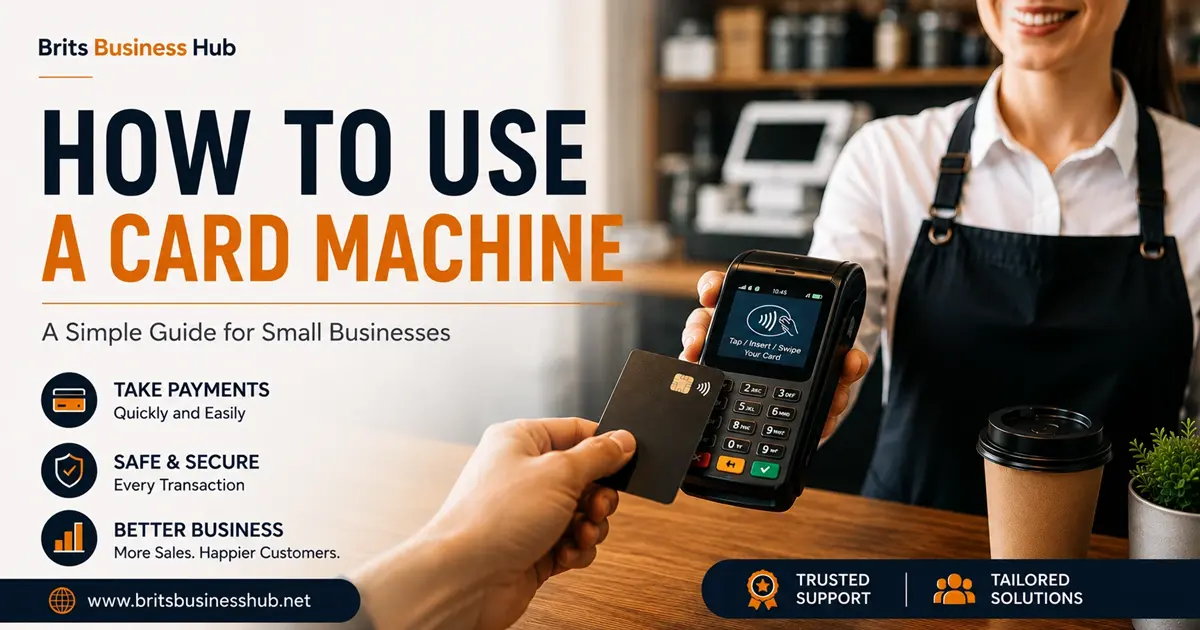
How to Use a Card Machine
Using a card machine for the first time can feel a little confusing. The good news is that most modern card machines are simple to use once you know the basic steps.
If you run a small business, accepting card payments can make it easier for customers to pay. Whether you have a shop, café, salon, mobile business or provide services, a reliable card machine can help you take payments quickly.
If you are looking for a card machine for small business, the process is usually straightforward. You enter the payment amount, let the customer present their card or device, wait for approval, and then complete the transaction.
In this guide, we explain how to use a card machine, how to take different types of payments and what to do if a payment does not go through.
How to Use a Card Machine to Take Payment
Taking a payment is usually a five step process, no matter which provider you use.
- Turn on the machine and wait for it to connect to the network (Wi-Fi, SIM, or Bluetooth to your till).
- Enter the amount the customer needs to pay. Double check this before moving on, since mistakes here are the most common issue small businesses report.
- Ask the customer to tap, insert, or swipe their card, or hold their phone near the machine if they are using a digital wallet.
- Wait for approval. This usually takes two to five seconds. You will see either “Approved” or “Declined” on the screen.
- Give the customer their receipt, either printed or sent by email or text, depending on your setup.
That is the whole process. Most modern machines walk you through each step on screen, so there is little room for confusion once you have done it a few times.
What to Do If a Payment Is Declined
A decline is not always a problem with your machine. It usually means the card has run out of funds, hit a spending limit, or the bank has flagged the transaction. If this happens, simply ask the customer to try another card or contactless method, such as a phone or watch. If declines are happening often across many different customers, that is worth raising with your provider, since it could point to a connection issue on your end.
How to Operate a Card Machine
Learning how to operate a card machine is mostly about understanding a few basic functions. The exact buttons and screen options can vary between machines, but the main process is usually similar.
Keep it charged or plugged in. Most portable machines run on battery, and a flat battery mid queue is one of the most common frustrations shop owners mention. Charge it overnight or keep a spare charger behind the counter.
Know your connection type. Machines connect in one of three ways: Wi-Fi, a mobile SIM, or Bluetooth paired to a till system. If payments stop going through, check your connection first before assuming the machine is faulty.
Learn the refund process. Every provider handles refunds slightly differently, but it is usually done through the same app or portal you use to view your daily takings. It is worth practising this once with a small test amount so you are not learning it for the first time in front of a customer.
Check your daily summary. Most machines let you view a summary of the day’s transactions before you close up. This is a good habit for spotting errors early, rather than finding them weeks later when reconciling accounts.
Taking A Contactless Payment
Contactless is one of the quickest ways for customers to pay. Enter the amount and present the machine to the customer. They can tap their card, phone or other supported device against the contactless area.
The machine will then confirm whether the payment has been accepted. Contactless payments are now a major part of everyday spending in the UK. Recent figures show that contactless accounted for 75% of debit card transactions and 67% of credit card transactions in April 2026.
Choosing a Card Machine for Small Business Use in the UK
Not every machine suits every type of business. A market stall selling on weekends has very different needs to a café with a fixed counter. When comparing a card machine for small business UK owners can choose from, think about three things: how you take payment (in one place or on the move), how often you process transactions, and what you are comfortable paying in fees.
Card payments now make up the majority of how people pay in the UK. According to UK Finance’s most recent Payment Markets report, card payments accounted for 64% of all UK transactions, with cash falling below 10% for the first time on record (UK Finance data via Business Expert). For most small businesses, this means a reliable card machine is no longer optional. It is part of how customers expect to pay.
If you are still weighing up your options, our guide on choosing the right payment provider breaks down pricing structures in more detail, and our piece on common card machine fees explains what you should expect to pay each month.
Getting Your Team Comfortable With the Machine
If you have staff taking payments, a short walkthrough saves a lot of confusion later. Show them how to enter an amount, how to handle a decline, and where the receipt option is. Most mistakes at the till happen in the first week, simply because someone was never shown the basics properly. A five minute run through on day one is usually enough.
For businesses just getting set up, our starter guide to accepting card payments covers everything from choosing a provider to your first week of transactions.
Frequently Asked Questions
Do I need a bank account to use a card machine?
Yes. Card machines are linked to a business bank account, and payments are usually paid into that account within one to three working days, depending on your provider.
Can I use a card machine without Wi-Fi?
Yes, many machines use a mobile SIM as a backup, or work entirely over 4G. This is common for market stalls, food trucks, and other businesses that move around.
Is there a limit on how much I can charge on one transaction?
Contactless limits have changed in recent years, but chip and PIN transactions on a card machine generally have no fixed upper limit, since the customer enters their PIN to confirm larger amounts.
How long does it take for card payments to reach my account?
Most providers settle payments within one to three working days. Some offer next day or same day settlement for an extra fee.
What happens if my card machine loses connection during a payment?
If the connection drops mid payment, the transaction usually fails safely rather than charging the customer twice. Wait for the screen to reset, check your connection, and try again.
Do I need a receipt printer, or can receipts be digital?
Most machines let you choose. You can print a paper receipt, send one by text or email, or offer both, depending on what your customers prefer.
Final Thoughts
Using a card machine is straightforward once you have done it a handful of times. The real difference between a smooth till experience and a stressful one usually comes down to preparation, a charged battery, a stable connection, and a team that knows the basics.
If you are still comparing options, take a look at our full breakdown of the best card machines for UK small businesses to find one that fits how you actually take payments.